


Global Social Media Marketing
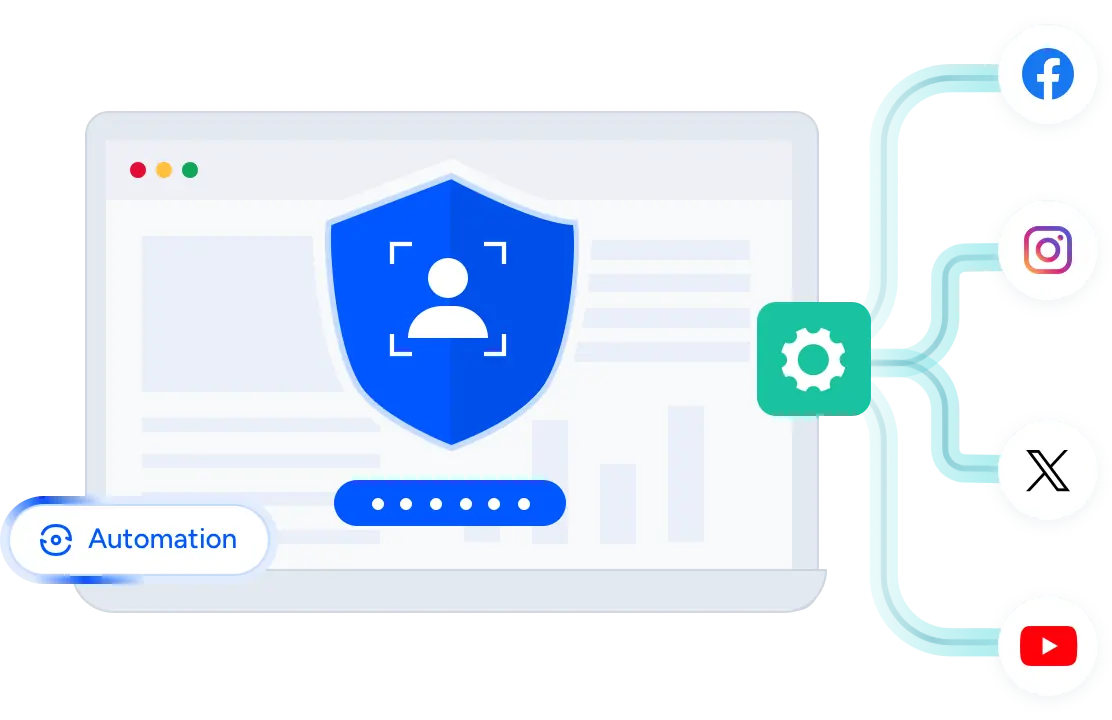
Expand your brand's presence on major social media platforms with FoxPhone. Automate routine tasks, manage multiple account profiles on a single device, and safely grow account trust with professional account management.



 Centralized management
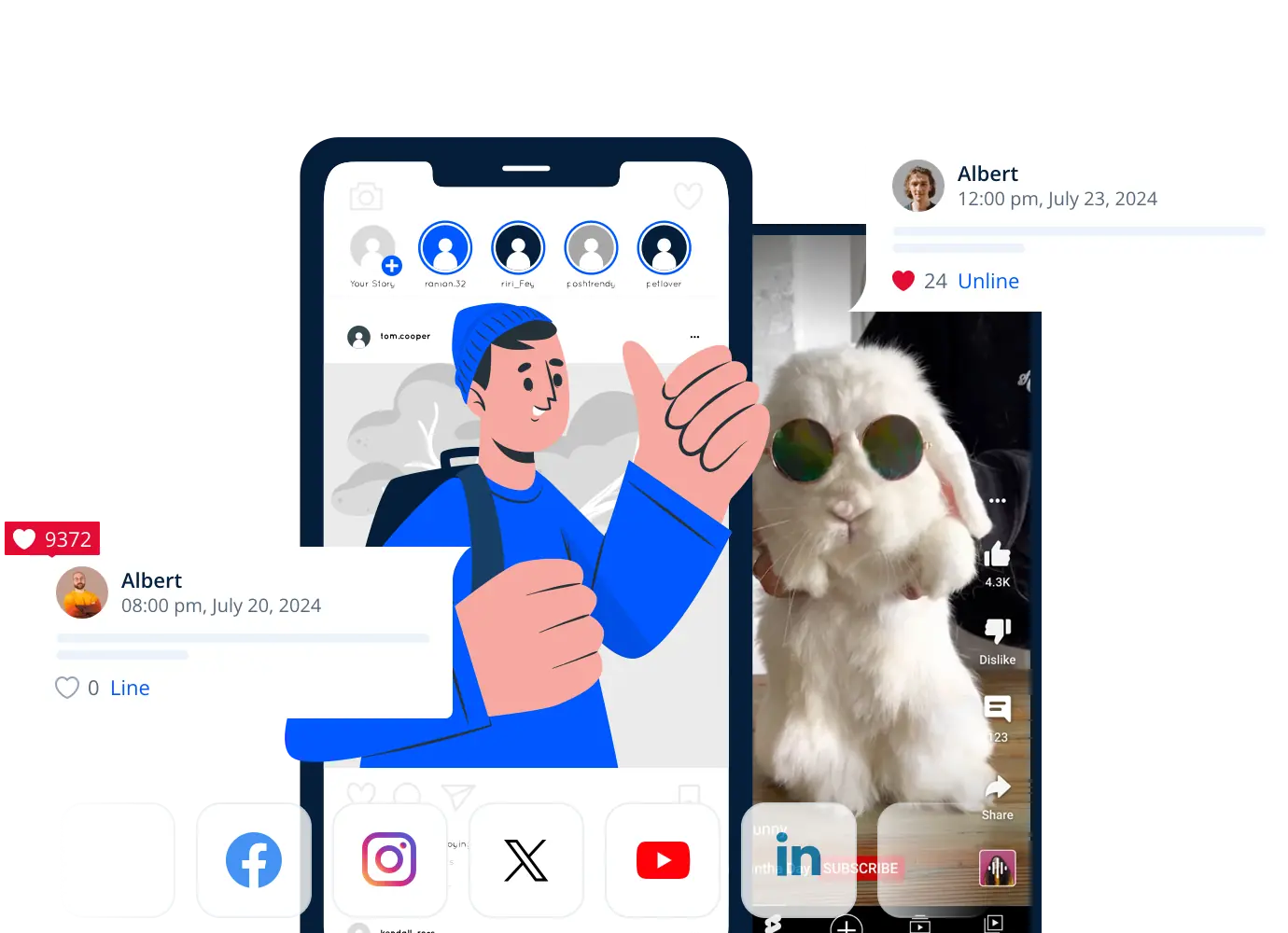
Create and Manage Multiple Accounts From One Place
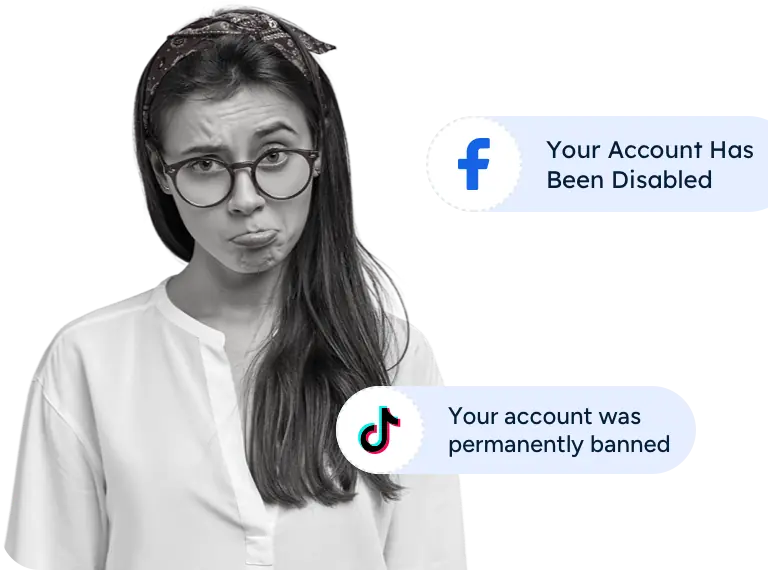
Manage accounts across platforms using cloud phones and browser profiles with isolated environments to maintain account health while targeting diverse audiences.
 Enhanced privacy
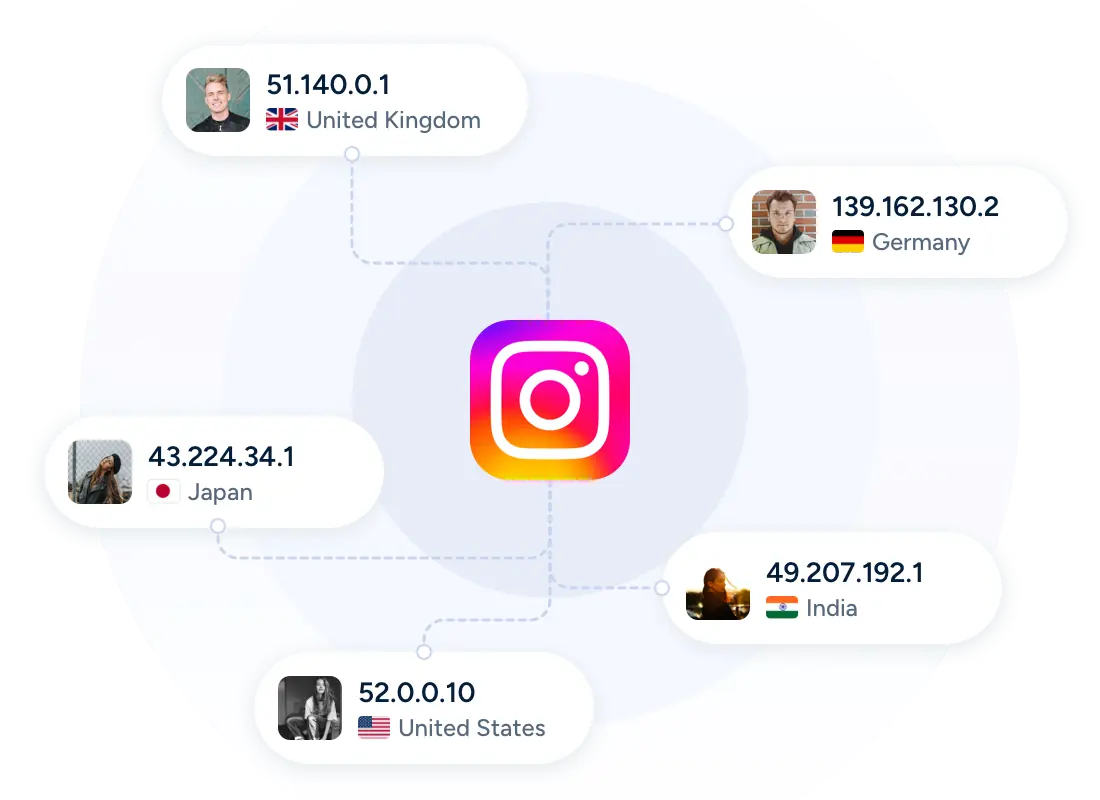
Access Global Markets for Social Media Operations
Authentic device environments appear like real users, empowering brands to access global markets and secure account logins with professional identity management.
 AI-powered automation
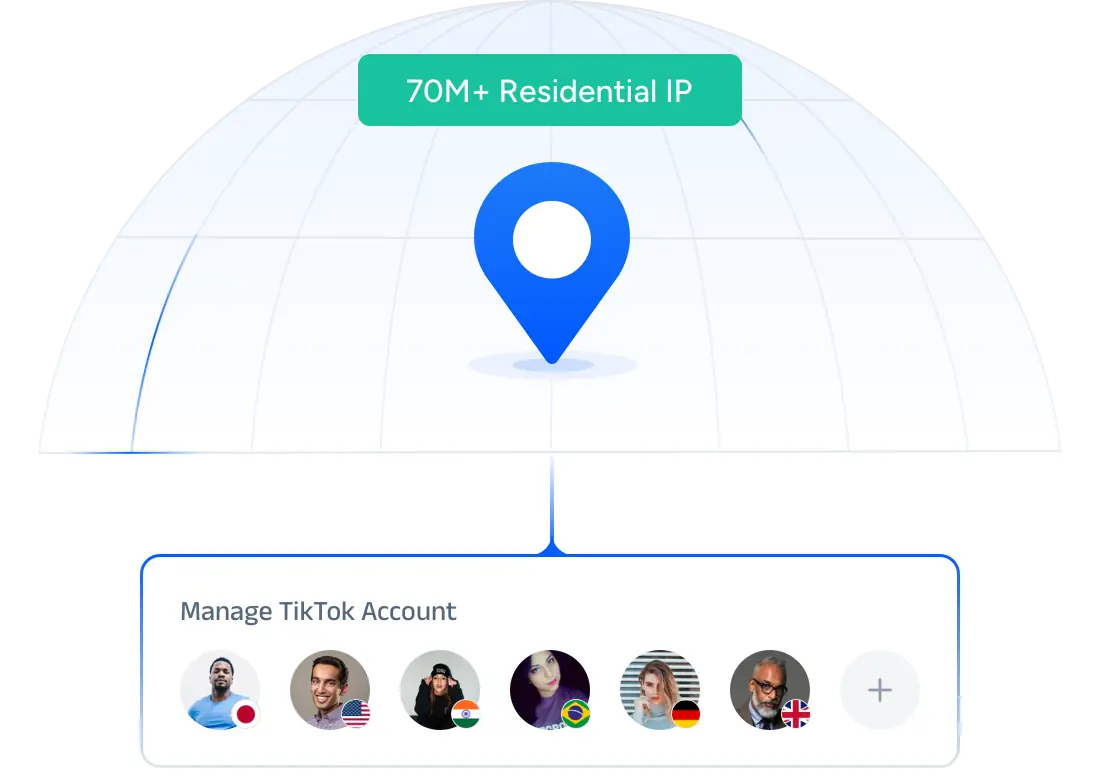
Automate Multiple Accounts With Ease
Automate all routine tasks, like account creation, posting, following, liking, and engaging with other users, across multiple accounts, ensuring consistent activity without wasting time on repetitive tasks.
Why Choose FoxPhone ?
 SyncMaster
Use group control to mirror every action from one profile to all others, effortlessly synchronized.
 Unique browser profiles
Create browser profiles with different browser fingerprints that mimick real browsing environments.
 Proxy configuration
Users may purchase proxy services through the platform or manually configure external proxies to integrate with the system.



 You have different questions?
Our team will answer all your questions. We ensure a quick response.
Question: What is a cloud phone?
Answer: Cloud phone is a virtual Android device hosted in the cloud. It has similar functions to regular mobile phones, allowing for remote installation of applications, file management, and task execution. Users can access it through a browser or client to achieve multi device management without the need for physical hardware.
Tip:Suitable for developers, testers, or users who need to run multiple Android instances simultaneously..
Q: Is my data secure?
A: Cloud Phone services use encrypted storage and secure connections to protect your data. Each instance is isolated, and access controls prevent unauthorized usage. Users are encouraged to enable two-factor authentication and manage app permissions for additional security.
Tip: Regularly backup important data and monitor activity logs for unusual access.
Q: What are the pricing options?
A: Pricing varies based on usage and configuration. Options include hourly, daily, and monthly plans. Additional charges may apply for higher CPU, memory, or storage requirements. Discounts are available for bulk usage or long-term subscriptions.
Tip: Review the plan details carefully to optimize cost versus performance.
Q: How to get started?
A: To get started with a Cloud Phone, first sign up for an account on the service platform. Verify your email and add a payment method. Then, navigate to the dashboard, select 'Create New Phone', choose the desired configuration, and launch your cloud instance.
Tip: Begin with the default configuration to familiarize yourself before scaling to multiple devices.
You have different questions?Our team will answer all your questions. We ensure a quick response.
Manage multiple accounts on one cloud device with ease. Secure, stable, and effortless—just like an expert.
Get Started

- Useful Links
Compay Information




 Cookie Notice
See Real Feedback From Users
Game Streamer
Mobile App Developer
Cybersecurity Consultant
Game Studio Manager
Product Manager
QA Lead Engineer